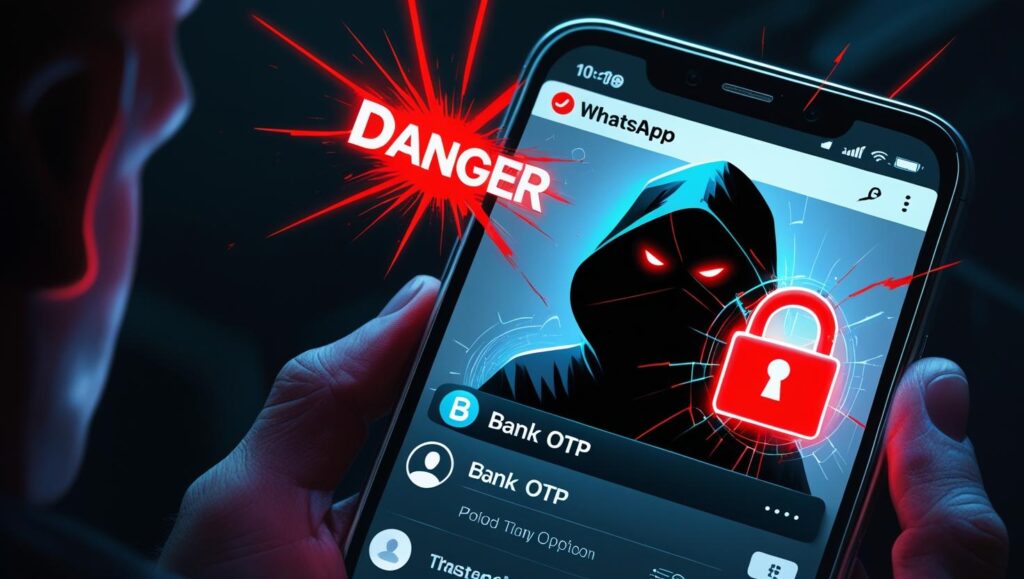

Introduction:
A New Threat Lurking in Your WhatsApp Calls
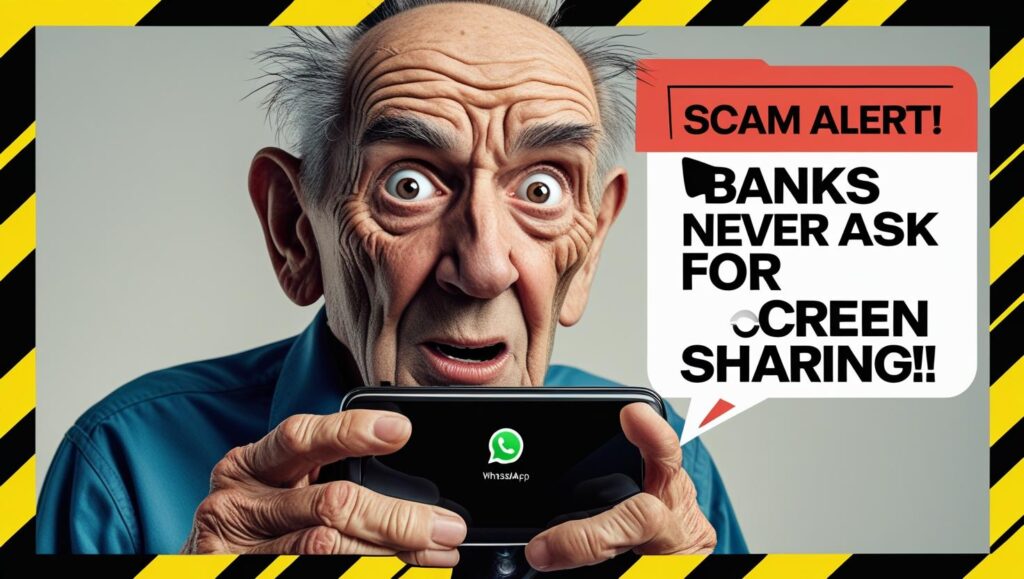
Imagine receiving a WhatsApp video call from someone claiming to be your bank’s representative. They warn you about “suspicious activity” on your account and insist you share your screen to “resolve the issue.” Within minutes, your bank balance drops to zero.
This is WhatsApp screen mirroring fraud, one of the most dangerous scams today. Cybercriminals exploit WhatsApp’s screen-sharing feature to spy on your device in real time, stealing OTPs, passwords, and banking details effortlessly.
In this article, we’ll uncover:
✔ How the scam works – step by step
✔ How it compares to other frauds (like remote access scams)
✔ Red flags to watch out for
✔ Essential safety measures to protect yourself
Stay alert—this scam is spreading fast, and victims often realize too late.
What Is WhatsApp Screen Mirroring Fraud?
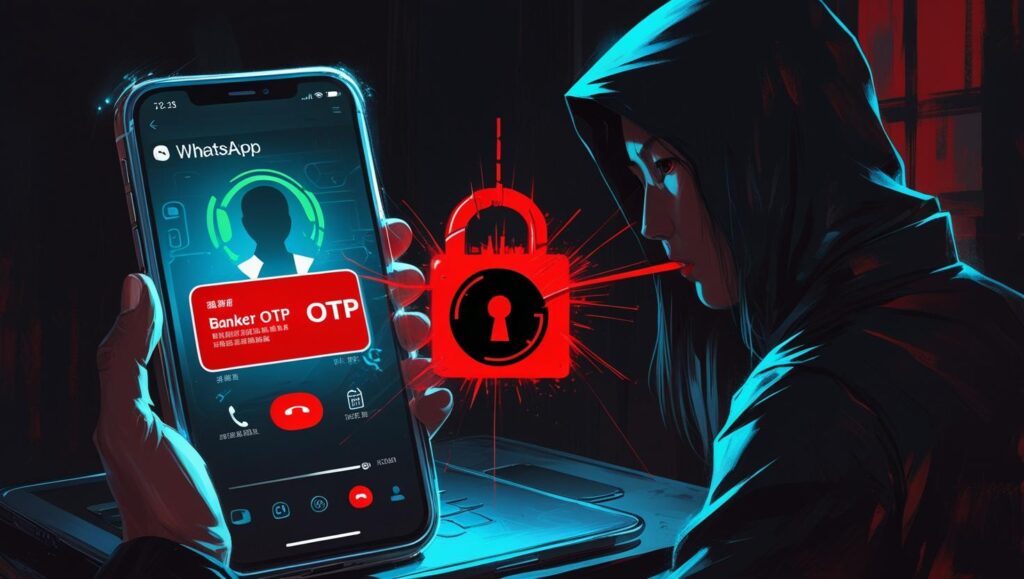
Scammers pose as bank officials, tech support, or even friends, tricking victims into joining a WhatsApp video call. They create panic with urgent claims like:
- “Your account has been hacked!”
- “We need to verify a suspicious transaction.”
- “Your phone camera is malfunctioning—let’s fix it.”
Once they gain your trust, they ask you to enable screen sharing. The moment you do, they see everything:
🔴 OTPs (One-Time Passcodes) for transactions
🔴 Banking app logins and passwords
🔴 Credit card details from notifications
🔴 Personal messages that reveal security answers
With this access, they drain accounts instantly or sell your data on the dark web.
Real-Life Example
A Delhi businessman lost ₹2.8 lakhs after a scammer, pretending to be from his bank, convinced him to share his screen during a WhatsApp call. Within 10 minutes, the fraudster transferred the money.
How This Scam Compares to Other Digital Threats
| Scam Type | How It Works | Dangers |
| WhatsApp Screen Mirroring | Fake call → Screen sharing enabled | Instant money theft, account takeover |
| Remote Access Scams | Install AnyDesk/TeamViewer | Full device control, data manipulation |
| WhatsApp Image Malware | Malware hidden in images/videos | Silent data theft, spyware infection |
1. Remote Access Scams (AnyDesk, TeamViewer)
Scammers convince victims to download remote access apps, giving them total control over the device. Unlike screen mirroring, they can install malware, delete files, or lock you out.
2. WhatsApp Image Malware Scam
A harmless-looking photo or video contains hidden malware. Once opened, it infects your phone, stealing data without you knowing.
Why WhatsApp Screen Mirroring More Dangerous?
- No software installation needed—just screen sharing.
- Real-time spying means fraudsters act instantly.
- Harder to trace since they don’t leave malware traces.
Warning Signs: How to Spot the Scam Before It’s Too Late
🚩 Unexpected WhatsApp calls from “bank officials” or unknown contacts.
🚩 Urgent threats like “Your account will be blocked in 10 minutes!”
🚩 Requests to share your screen or download remote access apps.
🚩 Caller ID looks familiar (scammers spoof real numbers).
Golden Rule: No legitimate bank or company will ever ask for screen sharing over WhatsApp.
How to Protect Yourself (Actionable Steps)
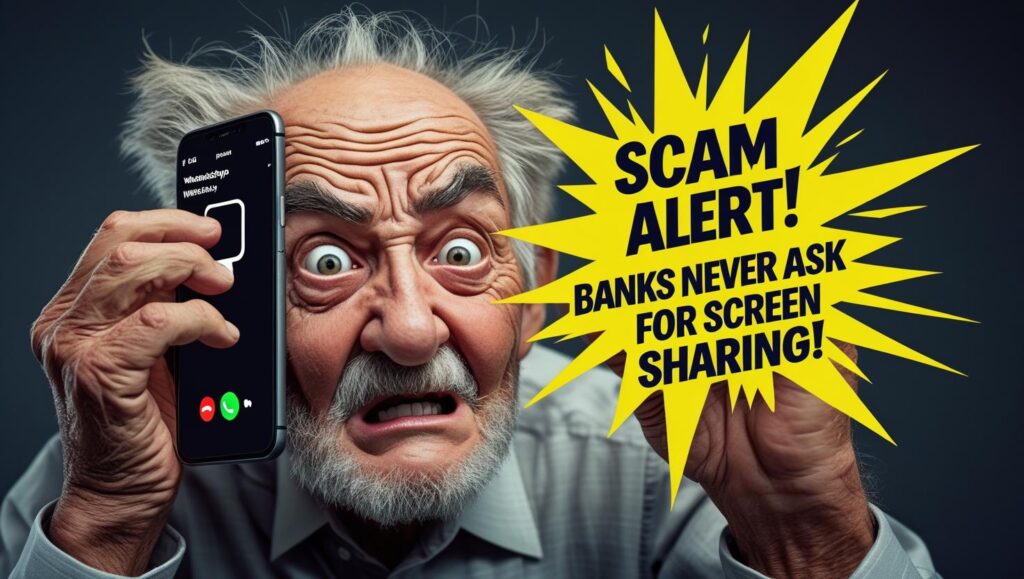
✅ Never share your screen on WhatsApp with strangers.
✅ Hang up & call back—use the official bank number, not the one provided in the chat.
✅ Enable 2FA via authenticator apps (Google Authenticator, not SMS).
✅ Disable auto-downloads in WhatsApp (Settings → Storage & Data).
✅ Educate family members, especially elders who are prime targets.
✅ Update your OS & apps regularly to patch security flaws.
What If You Already Shared Your Screen?
⚠ Immediately:
- Log out of all banking apps.
- Change passwords & enable 2FA.
- Call your bank to freeze transactions.
- Scan your device for malware.
FAQs: Your Doubts Cleared
Q: Can scammers mirror my screen without my permission?
A: No. They need you to click “Share Screen.” Never do it for unknown callers.
Q: Do banks ever ask for screen sharing?
A: Never. Report such calls as fraud.
Q: What if I clicked a suspicious link during the call?
A: Reset passwords, check bank statements, and run antivirus scans.
Final Word: Stay Alert, Stay Safe
Scammers are evolving, but awareness is your best defense. Share this article with friends and family—especially those who may not recognize the threat.(Also Read: Fake CAPTCHA Scam: How Clicking ‘I’m Not A Robot’ Puts Your Device At Risk; Here’s How To Avoid It)
Remember: A single WhatsApp call could wipe out your savings. Verify, don’t trust blindly.
📢 Have you encountered this scam? Share your experience in the comments to warn others!


