
Introduction
We’ve all been told to keep our phones charged — but did you know that charging your smartphone all the way to 100% could actually damage the battery over time? so Stop Charging Your Phone to 100%
Surprising as it sounds, experts agree that fully charging your phone daily may shorten its lifespan.
Let’s uncover why that happens, what the ideal charging range is, and how you can keep your battery healthy for years.
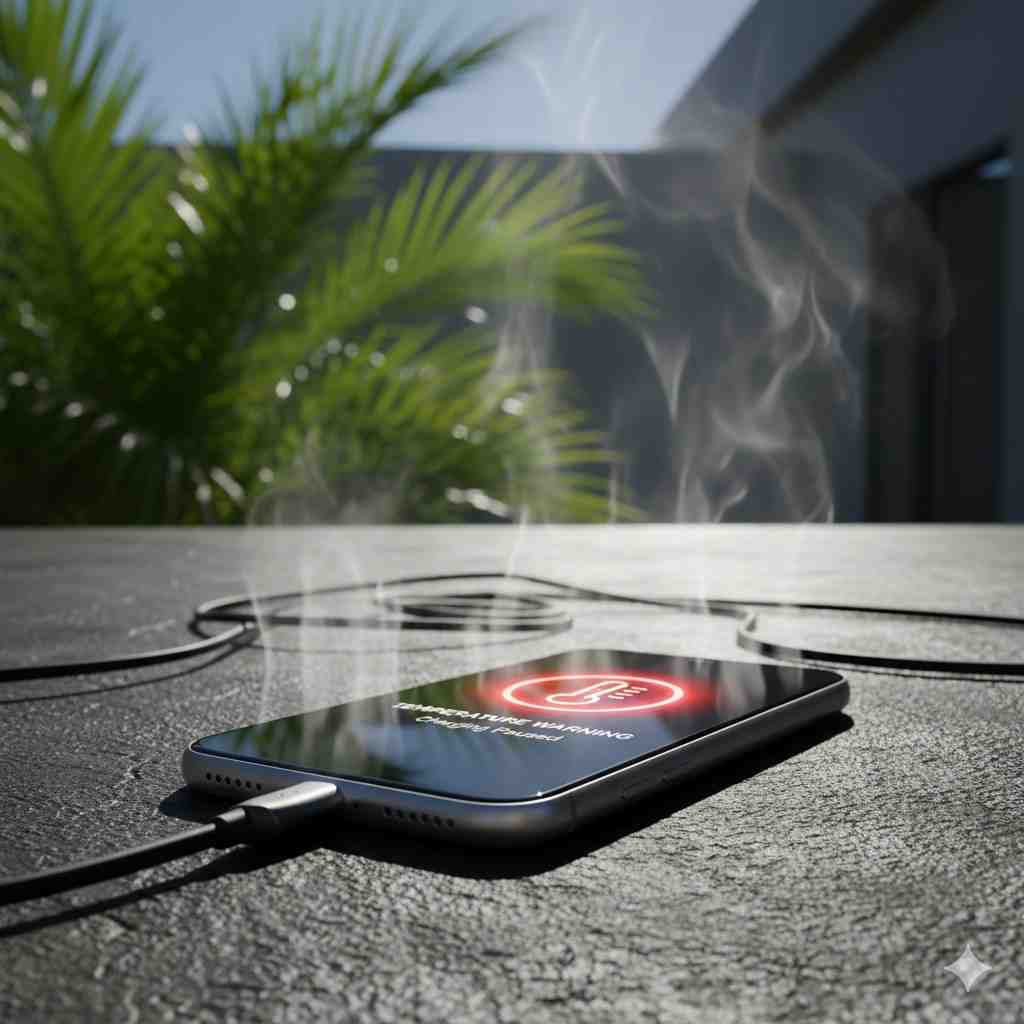
Why You Shouldn’t Charge Your Phone to 100%
Modern smartphones use Lithium-ion (Li-ion) or Lithium-polymer batteries. These batteries are efficient, but they have a limited number of charge cycles (usually 300–500 full cycles).
A charge cycle means going from 0% to 100%. The more full cycles your phone completes, the more its battery health declines.
When you push your phone to 100%, the battery cells experience stress due to high voltage (around 4.2V per cell). Over time, this leads to:
- Faster chemical aging
- Reduced charge capacity
- More heat generation, which further damages internal components
According to Battery University, keeping your battery charged between 20% and 80% can extend its lifespan by up to 40%.

The Science Behind Battery Stress
When charging reaches 100%, your phone is still plugged in, and it continues receiving tiny “top-up” currents to keep it at full capacity.
This constant trickle charging:
- Keeps the voltage high
- Produces extra heat
- Causes battery material degradation
In simple terms, your battery gets tired faster when it’s always pushed to its limits.
Ideal Charging Habits (According to Experts)
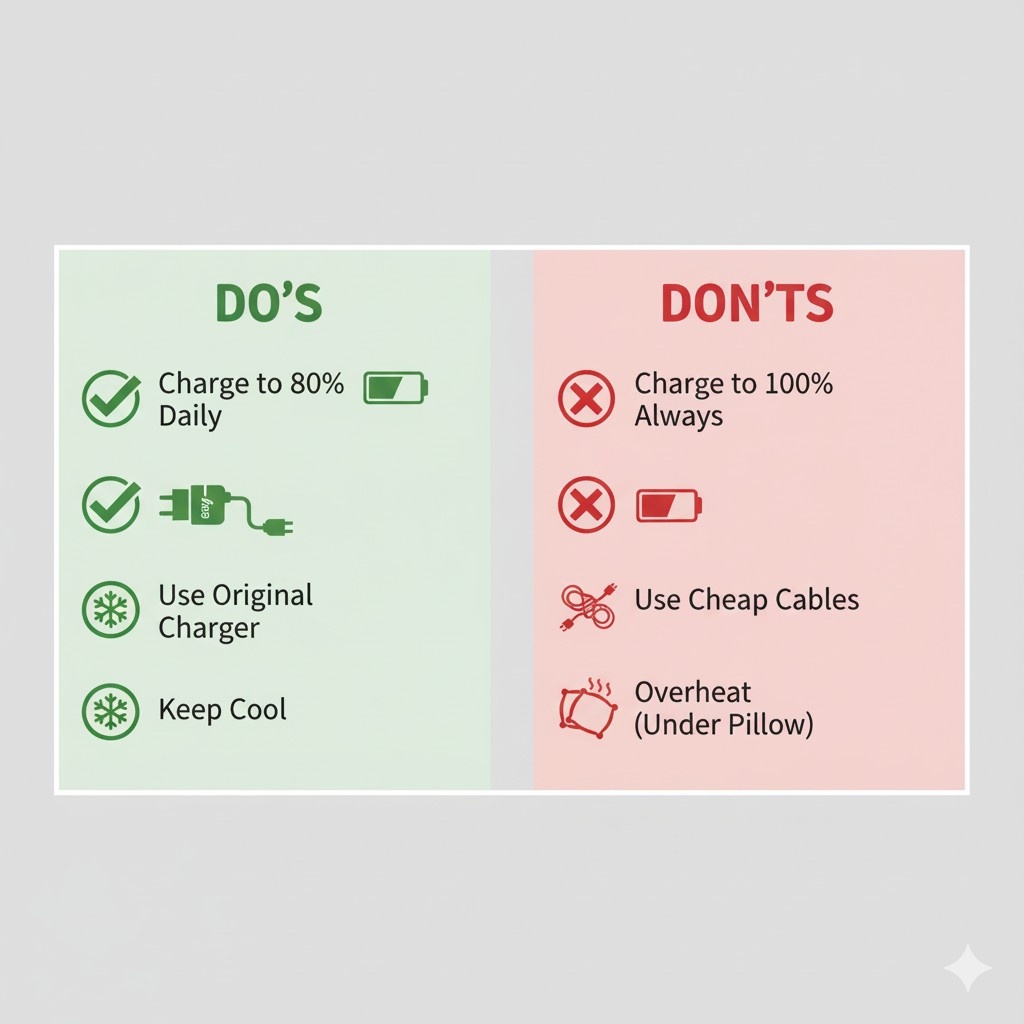
✅ Do’s
- Keep your charge level between 20% and 80%
- Unplug when it reaches around 85–90%
- Use original chargers and cables
💡 Recommended: Buy Original 20W Fast Charger for iPhone on Amazon
💡 Recommended: Buy Samsung 25W USB-C Super Fast Charger on Amazon - Enable battery optimization or adaptive charging
- Charge in short bursts during the day instead of overnight
❌ Don’ts
- Avoid keeping your phone plugged in overnight
- Don’t charge while gaming or streaming
- Avoid full 0% discharges
- Keep your phone away from heat sources during charging
What Happens When You Charge Overnight
Most people charge their phones overnight for convenience. However, this habit can heat up your phone, especially under a pillow or on a soft surface — creating a potential fire hazard.
Besides safety, maintaining 100% charge for hours adds unnecessary stress.
Apple, Samsung, and Google have introduced smart charging features that slow down charging or pause it at 80% overnight — enable this in your settings.
How to Check Your Battery Health
Most modern smartphones allow you to view battery health:
- iPhone: Settings → Battery → Battery Health & Charging
- Android (Pixel/Samsung): Settings → Battery → Battery Health or use third-party apps like AccuBattery
If your “Maximum Capacity” or “Battery Health” drops below 80%, it’s a sign of long-term wear from overcharging or overheating.
💡 Useful Tool: AccuBattery App (Android) – View on Amazon Appstore
Bonus Tip: Temperature Matters
Temperature is your battery’s biggest enemy.
- Avoid charging above 35°C (95°F)
- Never charge under direct sunlight
- If your phone feels hot, remove the case while charging
🔥 Recommended Accessory: Buy Heat-Resistant Charging Cable on Amazon
Final Thoughts
Your smartphone doesn’t need a full 100% charge to function at its best.
In fact, keeping it around 80% can make it last longer, run cooler, and perform better in the long term.
So next time you plug in your phone — remember:
“80 is the new 100!” 🔋
FAQ
Q1. Is it bad to charge my phone to 100%?
Yes. Charging to 100% regularly increases battery stress and shortens its lifespan. It’s better to charge up to 80–90% for daily use.
Q2. Should I unplug my phone at 80%?
If convenient, yes. Keeping your charge between 20% and 80% is ideal for long-term health. Some phones have adaptive charging that automatically limits charging to 80%.
Q3. Does overnight charging damage the battery?
Yes, in the long run. Leaving your phone plugged in overnight keeps it at high voltage for hours, which causes gradual battery degradation and can lead to overheating.
Q4. What’s the best way to charge my phone daily?
Charge it in short bursts — from around 30% to 80% — and avoid deep discharges or keeping it full for long periods.
Q5. Can I use my phone while charging?
It’s safe for quick use, but intensive use (like gaming or streaming) during charging causes excess heat, which reduces battery life over time.


