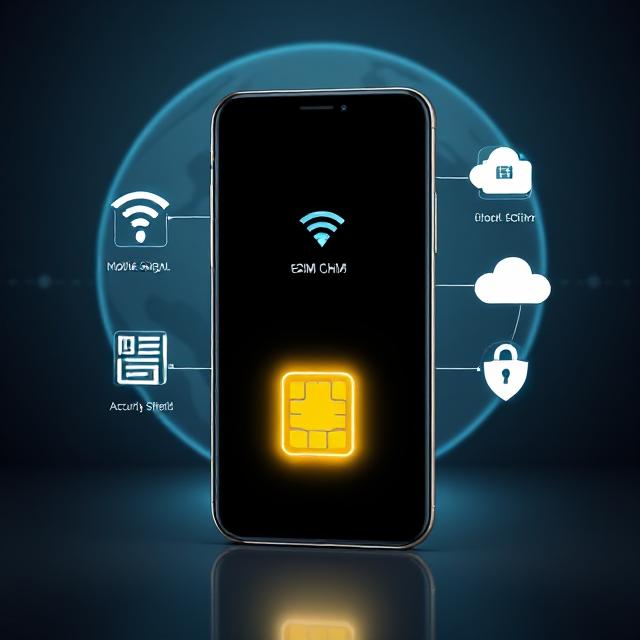

Introduction: Why eSIMs Are the Future of Mobile Connectivity

Determining your phone’s eSIM phone compatibility in 2025, is crucial before switching to digital SIM technology. “If you’re asking ‘does my phone support eSIM?’ you’re in the right place. This complete compatibility guide will..But is switching to an eSIM the right move when upgrading your phone? In this guide, we’ll break down:
✅ How eSIMs work
✅ Key benefits over physical SIMs
✅ Potential drawbacks to consider
✅ Step-by-step transfer process
✅ Best use cases for travelers & multi-line users
Let’s dive in!
What Is an eSIM & How Does It Work?
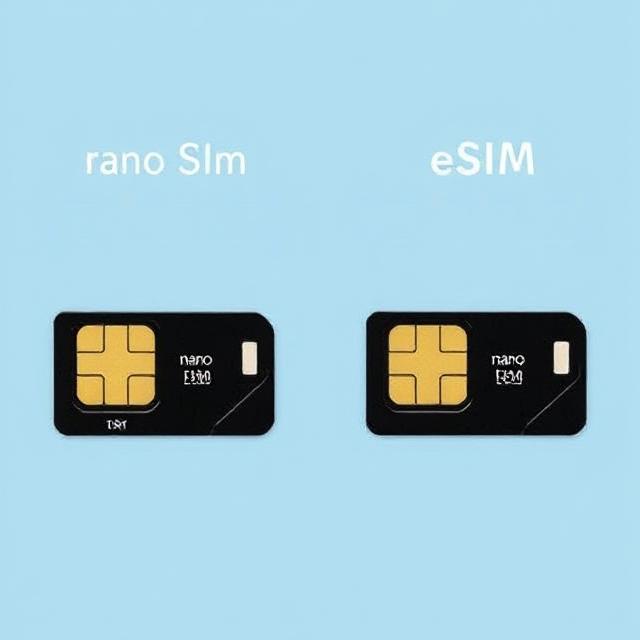
An eSIM is a digital SIM embedded in your phone’s motherboard. Instead of inserting a physical card, you activate it by:
- Scanning a QR code from your carrier
- Using your provider’s mobile app
- Transferring directly from an old device
Key Features of eSIM Technology:
✔ No physical SIM tray needed (saves space)
✔ Multiple profiles (switch between carriers easily)
✔ Remote activation (no waiting for a SIM in the mail)
✔ Ideal for dual-SIM setups (use two numbers on one device)
5 Major Benefits of Using an eSIM When Switching Phones

1. Instant Activation (No Waiting!)
🔹 Activate a new plan in minutes—no store visits or shipping delays.
2. Perfect for Travelers
🔹 No more hunting for local SIM cards—just download a travel eSIM (Airalo, Nomad, Holafly).
3. Dual-SIM Flexibility
🔹 Use two numbers (work + personal) or mix local & international data plans.
4. More Secure Than Physical SIMs
🔹 If your phone is stolen, remotely disable the eSIM (no physical removal).
5. Future-Proof Design
🔹 As phones eliminate SIM trays (iPhone 14+ in the US), eSIMs are becoming the new standard.
Potential Downsides of eSIMs

⚠️ Not All Phones or Carriers Support eSIM
- Many budget Android phones still rely on physical SIMs.
- Some carriers have limited eSIM support (check before switching).
⚠️ Transferring Can Be Tricky
- If your phone breaks, recovering an eSIM may require carrier assistance.
⚠️ No Quick Swap Option
- Unlike a physical SIM, you can’t just move it to another phone instantly.
⚠️ Some Carriers Charge Extra
- A few providers impose activation fees for eSIM setups.
📲 eSIM Compatibility Check (2025)
| Method | How to Check | If Supported | If Not Supported |
|---|---|---|---|
| 1. Device Model Check | Compare your phone with eSIM-compatible models. | ✅ Your phone supports eSIM! Proceed to carrier setup. | ❌ Your phone does not support eSIM. |
| 2. Software Check | iPhone: Settings > Cellular > Add Cellular PlanAndroid: Settings > Network & Internet > SIMs | ✅ Shows “Add eSIM” or “Download SIM” option. | ❌ No eSIM option appears. |
| 3. Carrier Support | Visit carrier’s website or call support to ask, “Does my plan support eSIM?” | ✅ Carrier allows eSIM activation. | ❌ Carrier does not support eSIM (or requires a new plan). |
| 4. IMEI Check | Dial *#06# to get IMEI, then check on IMEI.info or manufacturer’s site. | ✅ IMEI report confirms eSIM capability. | ❌ IMEI shows no eSIM support. |
📌 Quick Reference: Common eSIM-Compatible Phones
| Brand | Supported Models (eSIM Capable) |
|---|---|
| iPhone | XS, XR, 11, 12, 13, 14, 15, SE (3rd Gen) – US iPhone 14/15: eSIM-only |
| Samsung | Galaxy S20+, S21, S22, S23, S24, Z Flip/Fold series, Note 20 Ultra |
| Pixel 3 & newer (Pixel 4, 5, 6, 7, 8) | |
| Others | Huawei P40+, Oppo Find X5 Pro, Motorola Razr (2019+) |
❌ Most budget Androids (under $300) do NOT support eSIM.
🔧 What to Do If Your Phone Doesn’t Support eSIM?
Check for software updates—some older phones gain eSIM support via updates.
Use a physical SIM (works on all phones).
Upgrade your device if you need eSIM features (travel, dual SIM, etc.).
eSIM vs. Physical SIM: Which Should You Choose?
| Feature | Physical SIM | eSIM | Travel eSIM (Airalo, Nomad) |
|---|---|---|---|
| Instant Setup | ❌ (Wait for delivery) | ✅ (QR code/app) | ✅ (Download in seconds) |
| Multiple Profiles | ❌ (One per SIM) | ✅ (Store multiple) | ✅ (Global data plans) |
| Device Compatibility | ✅ (Most phones) | ❌ (eSIM-only devices) | ❌ (eSIM required) |
| Travel-Friendly | ❌ (Buy local SIMs) | ✅ (Switch remotely) | ✅ (Prepaid global data) |
| Security | ❌ (Can be removed) | ✅ (Remote lock) | ✅ (Digital-only) |
How to Transfer an eSIM to a New Phone (Step-by-Step)
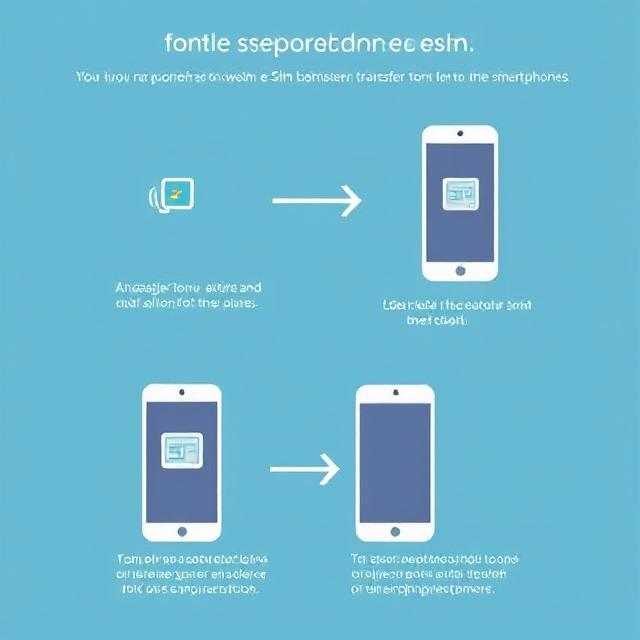
For iPhones:
- Delete eSIM on old device (Settings > Cellular > Remove Cellular Plan).
- On new iPhone, go to Settings > Cellular > Add eSIM.
- Scan QR code from carrier or choose “Transfer from Nearby iPhone.”
For Android:
- Remove eSIM from old phone (Settings > Network & Internet > SIMs).
- On new device, go to Settings > Network & Internet > Add eSIM.
- Enter activation code or scan QR code.
💡 Pro Tip: Contact your carrier if you run into issues—some require manual provisioning.
FAQs: Quick Answers to Common eSIM Questions
❓ Does an eSIM change my phone number?
➡ No! Your number stays the same unless you activate a new line.
❓ Can I use two numbers at once?
➡ Yes! Most phones support dual eSIM or eSIM + physical SIM.
❓ Is eSIM coverage worse than physical SIM?
➡ No difference! Signal strength depends on your carrier, not the SIM type.
❓ Can I use an eSIM for international travel?
➡ Absolutely! Apps like Airalo offer cheap, instant data eSIMs for 190+ countries.
Final Verdict: Should You Switch to eSIM?
[Image Placeholder: Person choosing between a physical SIM and an eSIM, looking thoughtful.]
Prompt: “Person at a crossroads with two paths—one leading to a physical SIM, the other to an eSIM.”
✅ Best For:
✔ Frequent travelers (no more SIM swaps!)
✔ Tech-savvy users who want instant activation
✔ Dual-SIM users (work + personal numbers)
✔ Anyone with an eSIM-compatible phone
❌ Stick with Physical SIM If:
✔ You use older or budget phones without eSIM
✔ You prefer easy SIM swapping between devices
✔ Your carrier doesn’t fully support eSIM
Ready to Make the Switch?
Check your phone’s eSIM compatibility and contact your carrier to get started!
📚 Further Reading:
🔗 Share this guide if you found it helpful! 🚀



Pingback: Spying on WhatsApp: How to Check, Stop & Secure Your Account in 2025
Pingback: What is eSIM? Is it Better than Nano SIM? (2025 Review)