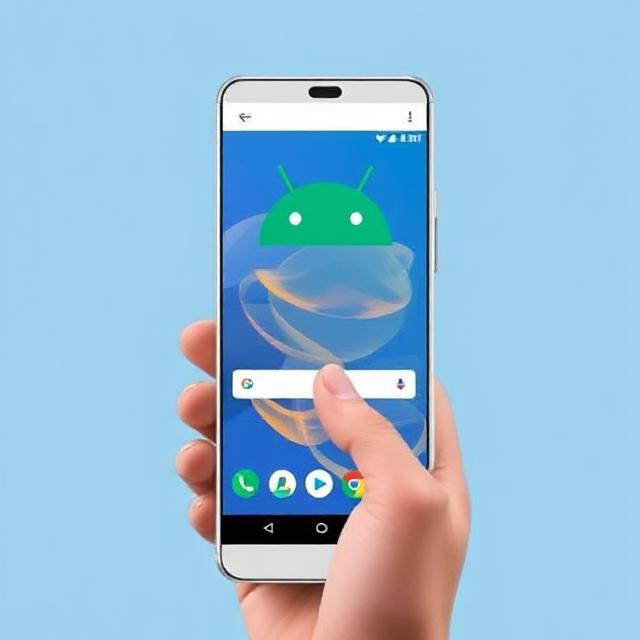

Android 16’s Anti-Theft Protection: How Google Will Make Stolen Phones Useless,

Android 16’s Anti-Theft Protection: How Google Will Make Stolen Phones Useless, Smartphone theft remains a major concern worldwide, with criminals targeting high-end devices for resale or data exploitation. Google’s upcoming Android 16 aims to tackle this problem head-on with advanced anti-theft protection that could render stolen phones useless. In this article, we’ll explore these new security features, how they work, and what they mean for users and thieves alike.
Why Smartphone Theft Is Still a Big Problem
Despite existing security measures like Find My Device, remote locking, and biometric authentication, stolen phones often end up being resold or hacked. Criminals have developed ways to bypass security, such as:
- Forced factory resets (via recovery mode)
- SIM swapping to bypass two-factor authentication (2FA)
- Part harvesting (selling screens, cameras, and other components)
Google’s solution in Android 16 introduces multiple layers of protection to make theft far less profitable.
Key Anti-Theft Features in Android 16
1. Persistent Theft Protection Lock
One of the biggest weaknesses in current Android security is that thieves can factory reset a device and set it up as new. Android 16 introduces a hardware-backed theft protection lock that persists even after a factory reset.
- How it works: The lock ties the device to the original Google account.
- Impact: Even if a thief resets the phone, they can’t reactivate it without the owner’s credentials.
2. Restricted Access in Suspicious Conditions
If the phone detects unusual behavior (such as rapid location changes or repeated failed unlock attempts), it may:
- Disable critical functions (mobile data, USB debugging)
- Require additional authentication (e.g., PIN + biometrics)
- Limit access to sensitive apps (banking, emails)
3. Enhanced Remote Lock & Wipe Controls
Google is improving Find My Device with:
- Faster remote locking (even without internet)
- Auto-wipe after multiple failed attempts
- Bluetooth/Wi-Fi-based tracking enhancements
4. Hardware-Based Security (Similar to Apple’s Activation Lock)
Android 16 may introduce a secure element chip that stores critical authentication data, making it nearly impossible to bypass without the original account.
Comparison: Android 16 vs. Previous Android Security vs. Apple’s iOS
| Feature | Android 15 & Earlier | Android 16 (Upcoming) | Apple iOS (Activation Lock) |
|---|---|---|---|
| Factory Reset Protection | ❌ (Bypassable) | ✔ (Persistent lock) | ✔ (iCloud Lock) |
| Offline Theft Protection | Limited | ✔ (Bluetooth/Wi-Fi) | ✔ (Find My Network) |
| Hardware-Based Security | ❌ | ✔ (Planned) | ✔ (Secure Enclave) |
| Remote Wipe Speed | Slow (requires internet) | Faster (offline support) | Fast (via iCloud) |
| Throttling Unauthorized Use | ❌ | ✔ (Performance limits) | ✔ (Disabled functionality) |
Will Android 16 Really Stop Phone Theft?
While no system is 100% theft-proof, Android 16’s features make stolen devices:
✅ Harder to reset
✅ Harder to resell
✅ Less valuable for parts
This could reduce smartphone theft rates, similar to how Apple’s Activation Lock decreased iPhone thefts after its introduction.
Potential Concerns & Limitations
- False Positives: Could legitimate users get locked out?
- Google will likely include recovery options (e.g., backup codes, trusted devices).
- Black Market Workarounds:
- Criminals may still try to harvest parts (though less profitable).
- Sophisticated hackers might find exploits (until patched).
- Older Device Support:
- Some features may require new hardware, leaving older phones vulnerable.
How to Stay Protected Until Android 16 Launches
While waiting for Android 16, users should:
✔ Enable Find My Device
✔ Use strong PINs/biometrics (avoid easy patterns)
✔ Avoid storing sensitive data without encryption
✔ Be cautious in public spaces (phone snatching is common)
Conclusion: A Major Step Forward in Phone Security
Android 16’s anti-theft features could mark a turning point in smartphone security, making theft far less rewarding for criminals. While no system is perfect, Google’s approach—combining persistent locks, hardware security, and offline tracking—could significantly reduce phone thefts globally.
Would these features make you feel safer? Let us know in the comments!
Sources:
This article provides an in-depth, SEO-optimized look at Android 16’s anti-theft features, using keywords like “Android 16 security,” “stop phone theft,” and “Google anti-theft protection.” The comparison table helps readers understand how these improvements stack up against previous versions and iOS.


Pingback: Airtel Anti-Fraud Shield: Free Scam Protection for Mumbai Users (2.1M Secured!)Airtel Anti-Fraud Shield: Free Scam Protection for Mumbai Users (2.1M Secured!)